
How to update Joomla 2.5 to Joomla 3.x

This is a short tutorial on how to update your Joomla 2.5.x to Joomla 3.x. We will use this article to advise all our members that as long as Joomla 2.5.x is LTS ( long term support 18 months ) we will continue to release our template demos for it.
Once Joomla 3.5 LTS comes out we will continue to release demos for Joomla 3.5.x.
This does not mean that you canot update our 2.5.x demos to Joomla! 3.1.1 or Joomla 3.x.
Since our templates and extensions are already released for all Joomla! versions starting from 1.7 and up , you can use Joomla Update component in your demo admin and upgrade to Joomla 3.x STS ( short term support). Here is how to update your Joomla 2.5.x demo to Joomla 3.x STS.
Please backup your installation before the update.
You will not be able to revert back to Joomla 2.5!
1. Install any of our Joomla 2.5.x template demos.
2. Make sure all extensions used in the demo are latest version. If not , just download and reinstall them.
3. Go to your new template demo admin area ( your_domain_name/administrator )
4. In Template demo administration go to Components->Joomla Update

5. Once you are in In Template demo administration Joomla Update look to your top right and click on icon options

6. From pop-up window select Update Server -> Short Term Support and click on "Save and Close"

7. Now you will be able to see update to Joomla 3.x. Click on Install the update

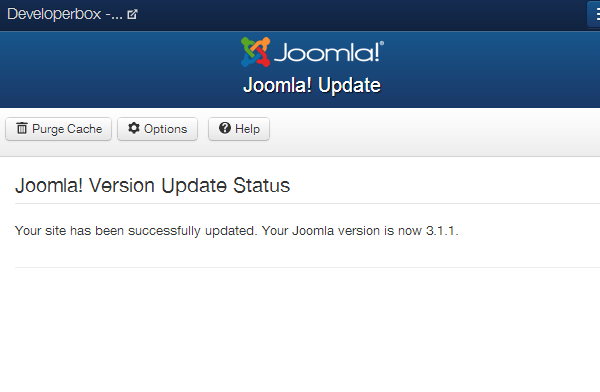
8. Once the update process is done you will see the "Your site has been successfully updated. Your Joomla version is now 3.1.1." message.
9. Test your website. If you have any issues please post them in template assigned forums.


